
 By saman zahra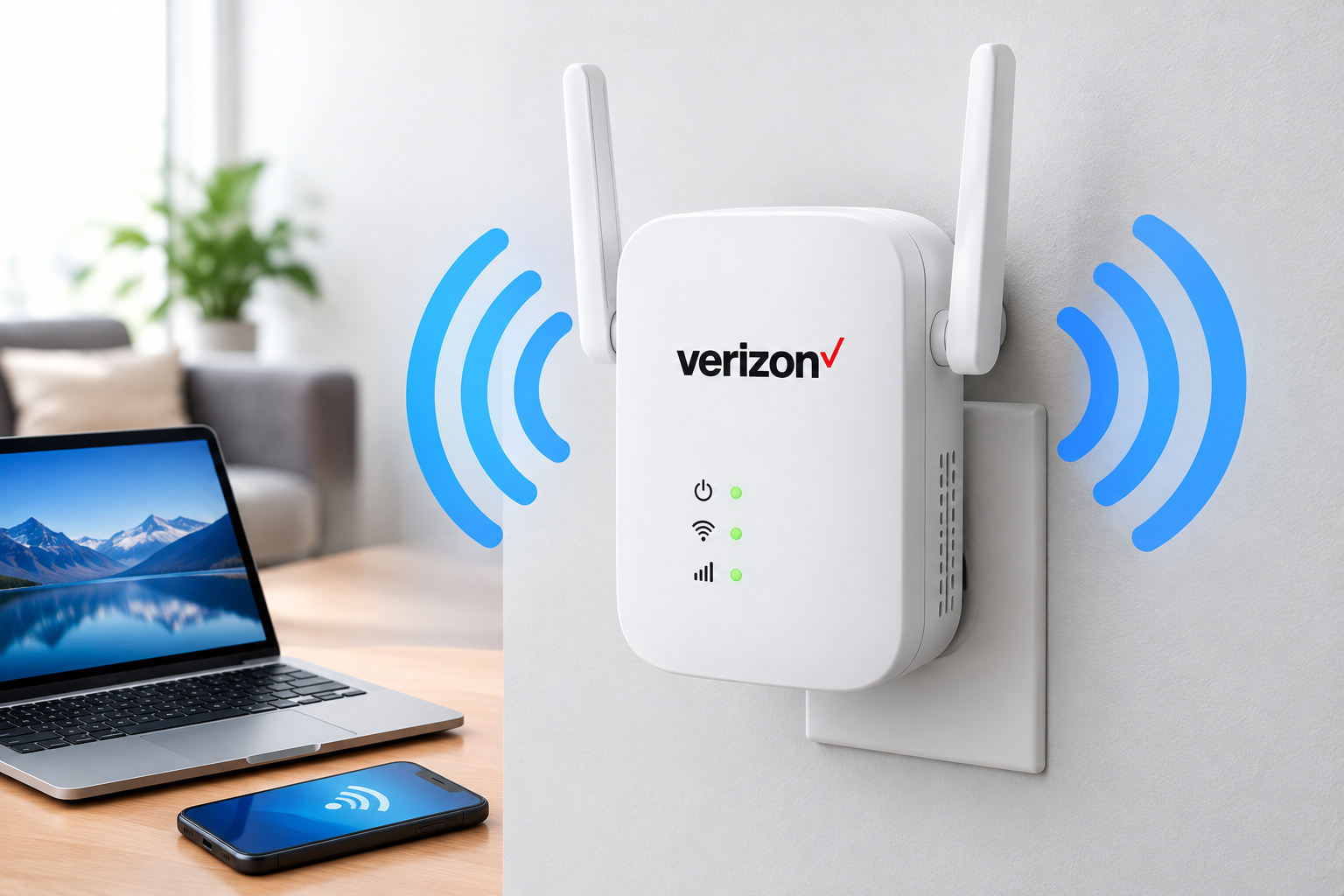
Verizon Fios is fast, but even a fast connection can feel slow if your Wi-Fi does not reach every room. Upstairs bedrooms, basements, back offices, and garages often end up as “dead zones” with weak or dropping signals.
A Verizon Wi-Fi extender is designed to fix that. Verizon sells its own extenders that work with its routers to spread strong Wi-Fi throughout your home, with features like automatic band steering and management through the My Fios app.
But there is one big catch: Verizon extenders only work properly with specific Verizon routers. Buying the wrong one is a common and expensive mistake.
In this guide, we explain the current Verizon extender models, which routers they work with, prices, how to set them up (wired and wireless), what the lights mean, how to fix common problems, and when a third-party extender or mesh system might be a better choice.
Quick Info: Verizon Wi-Fi Extender at a Glance
| Detail | Quick Answer |
|---|---|
| Main current models | Fios Extender (E3200) and Verizon Wi-Fi Extender (CE1000A) |
| E3200 | Wi-Fi 6, tri-band |
| CE1000A | Wi-Fi 6E with 2.4, 5, and 6 GHz, 2.5 Gigabit LAN, MoCA 2.5 |
| Works with | Verizon Router (CR1000A/B) and Fios Router (G3100), with connection limits for some combinations |
| Listed price on Verizon’s site | E3200 around $199.99; CE1000A around $249.99 |
| Connection options | Wi-Fi, Ethernet, or coax (MoCA) |
| Setup time | About 10 minutes |
| Good light | Solid white |
| Main limitation | Smart features like SON may not work with other routers |
Prices are based on Verizon’s product pages and can change or vary with promotions or rental options. Always check Verizon’s site or your account before buying.
Key Takeaways
- Verizon’s current extenders are the Fios Extender (E3200) and the Verizon Wi-Fi Extender (CE1000A).
- They are designed for Verizon Router (CR1000A/B) and Fios Router (G3100).
- The E3200 works over Wi-Fi, Ethernet, or coax with the G3100, but only over a wired connection (Ethernet or coax) with the CR1000A/B.
- The CE1000A supports Wi-Fi 6E and works with both the CR1000A/B and G3100.
- A wired connection usually gives the best performance.
- A solid white light means the extender is connected and working.
- If you have an older router like the G1100, the current extenders are not the right match.
What Is a Verizon Wi-Fi Extender?
A Wi-Fi extender is a device that connects to your main router and broadcasts Wi-Fi further into your home. It helps cover areas the router alone cannot reach well.
Verizon’s extenders are not basic “repeaters.” They work with Verizon routers as part of a whole-home Wi-Fi system using Self-Organizing Network (SON) technology, which helps devices automatically connect to the strongest signal as you move around your home. Verizon notes that SON and other features may not work as designed if the extender is used with a router other than the supported Verizon models.
If you want to understand how Wi-Fi signals and bands work, our guide on what Wi-Fi is explains the basics.
Verizon Wi-Fi Extender Models Compared
Fios Extender (E3200)
According to Verizon’s product page, the Fios Extender (E3200):
- Extends the Wi-Fi coverage of the Verizon Router (CR1000A/B) or Fios Router (G3100)
- Supports Wi-Fi 6 (802.11ax)
- Uses tri-band 4×4 antennas
- Supports Wi-Fi and wired connections to the Fios Router (G3100), and only wired connections to the Verizon Router (CR1000A/B)
- Is an upgrade from the older Fios Network Extender
Verizon’s user guide also lists a 2-port Ethernet switch, Gigabit Ethernet, and MoCA 2.5 over coax, supporting speeds up to 2,500 Mbps over coaxial cable.
Verizon Wi-Fi Extender (CE1000A)
Verizon describes the Verizon Wi-Fi Extender (CE1000A) as its newest extender. According to Verizon:
- Supports Wi-Fi 6E with 2.4 GHz, 5 GHz, and 6 GHz
- Offers switchable 5 GHz or 6 GHz backhaul (the link between the extender and router)
- Includes a 2.5 Gigabit LAN port and MoCA 2.5
- Works with the Verizon Router (CR1000A/B) and Fios Router (G3100)
Side-by-side comparison
| Feature | Fios Extender (E3200) | Verizon Wi-Fi Extender (CE1000A) |
|---|---|---|
| Wi-Fi standard | Wi-Fi 6 | Wi-Fi 6E |
| Bands | Tri-band | 2.4, 5, and 6 GHz |
| Works with Fios Router (G3100) | Yes (Wi-Fi, Ethernet, or coax) | Yes |
| Works with Verizon Router (CR1000A/B) | Wired only (Ethernet or coax) | Yes |
| Wired ports | Gigabit Ethernet, MoCA 2.5 coax | 2.5 Gigabit LAN, MoCA 2.5 coax |
| Listed price on Verizon’s site | Around $199.99 | Around $249.99 |
| Best for | G3100 owners or CR1000A/B with a wired run | CR1000A/B owners who want wireless setup and Wi-Fi 6E |
Which Verizon Extender Works With My Router?
This is the most important step. Check your router model on the label (usually on the bottom or back) or in the My Fios app.
| Your Verizon router | Best extender match | Notes |
|---|---|---|
| Verizon Router (CR1000A or CR1000B) | CE1000A | E3200 only works with it over Ethernet or coax |
| Fios Router (G3100) | E3200 or CE1000A | Both are supported |
| Fios Quantum Gateway (G1100) or older | Older Verizon extender models or third-party options | Current extenders are designed for newer routers |
| Verizon 5G Home Internet gateway | Check Verizon’s current compatibility for your gateway | Compatibility depends on the exact gateway model |
| Your own non-Verizon router | Third-party extender or mesh system | Verizon extenders’ smart features may not work |
If you are unsure, contact Verizon or check your router model in the My Fios app before buying.
How Much Does a Verizon Wi-Fi Extender Cost?
Verizon’s product pages list:
- Fios Extender (E3200): around $199.99
- Verizon Wi-Fi Extender (CE1000A): around $249.99
Verizon has also offered monthly payment or rental-style options for some equipment. Prices, promotions, and plan bundles change often, and some plans may include an extender, so check your Verizon account or Verizon’s site for current offers.
Used and open-box E3200 units are also sold online at lower prices. If you buy used, make sure the seller allows returns and that the unit is not tied to another account.
Before You Set Up: Choose Wired or Wireless
Verizon extenders can connect to your router in three ways:
| Connection type | How it works | Performance | Best for |
|---|---|---|---|
| Coax (MoCA) | Uses the TV cable outlets already in your walls | Very good | Homes with coax outlets in many rooms |
| Ethernet | A network cable between router and extender | Best | Homes wired with Ethernet |
| Wi-Fi (wireless) | Connects to the router over the air | Good, depends on distance and walls | Homes without wiring |
Verizon’s user guide notes that wireless setup is convenient, but because of Wi-Fi interference, it does not perform as well as a wired connection. A wired link also lets you place the extender anywhere that has a coax or Ethernet outlet.
If you are not sure what Ethernet is or why wired connections are faster, our guide on what Ethernet is explains it simply.
How to Set Up a Verizon Wi-Fi Extender
Always check the quick start guide in the box for your exact model. These are the general steps from Verizon’s guides.
Option 1: Wired setup (coax or Ethernet)
- Confirm your router is working and has a solid white light.
- Connect the router to a coax outlet if it is not already connected. Use the included coax splitter if the outlet is in use.
- Connect the extender to a coax outlet in the room where you need Wi-Fi, using the included coax cable. (If your home has Ethernet, use an Ethernet cable instead.)
- Plug the extender into power.
- Wait up to 10 minutes. The light should turn solid white, which means the connection is complete.
Tip: Verizon’s troubleshooting guide notes that the router and extender must use the same type of wired connection (both coax or both Ethernet).
Option 2: Wireless setup (WPS pairing)
For wireless setup, Verizon recommends pairing the extender next to the router first.
- Place the extender right next to your router and plug it in.
- Wait for the extender to finish starting up.
- Press the WPS button on the extender, then on the router, as described in your model’s guide. (Some models pair automatically when placed near a compatible router.)
- Wait for a solid white light, which means the extender is paired.
- Unplug the extender and move it to its final location.
- Plug it back in and wait for it to reconnect.
Where to place your extender
- About halfway between the router and the dead zone, not inside the dead zone itself
- In an open area, not inside cabinets or behind TVs
- Away from thick walls, mirrors, and large metal objects
- At table height or higher
Our guide on what a router is explains how routers and extenders work together and why placement matters.
What Do the Lights on a Verizon Extender Mean?
Light meanings can vary slightly by model, so check your quick start guide. Common meanings from Verizon’s guides include:
| Light | Meaning | What to do |
|---|---|---|
| Solid white | Connected and working normally | Nothing, you are all set |
| Fast blinking white | Starting up | Wait a few minutes |
| Fast blinking yellow | Extender is too close to the router (wireless) | Move it a little further away |
| Slow blinking yellow | Extender is too far from the router (wireless) | Move it closer to the router |
| Solid yellow (wired setup) | No connection to the router | Check cables and make sure both use the same connection type |
Troubleshooting Common Verizon Extender Problems
Extender will not connect
- Confirm your router model is compatible (CR1000A/B or G3100).
- For the E3200 with a CR1000A/B, remember it needs a wired connection.
- Restart both the router and extender.
- Re-pair the extender next to the router.
Slow speeds through the extender
- Move the extender closer to the router, or switch to a wired connection.
- Avoid placing it in a dead zone where the router signal is already weak.
- Check for router and extender firmware updates in the My Fios app.
Light stays yellow
- Fast blinking yellow: move it slightly away from the router.
- Slow blinking yellow: move it closer.
- Solid yellow on wired setup: check the coax or Ethernet cables and connection type.
Devices do not switch to the extender
Verizon’s SON feature should move devices to the strongest signal automatically. If a device stays on a weak signal, turn its Wi-Fi off and on again.
Factory reset
If nothing works, you can reset the extender using its reset button (check your model’s guide for how long to hold it), then set it up again. Resetting erases its settings.
If problems continue, contact Verizon support. If the extender is rented or under warranty, Verizon may replace it.
Verizon Extender vs Third-Party Extender vs Mesh System
| Option | Pros | Cons | Best for |
|---|---|---|---|
| Verizon extender (E3200 or CE1000A) | Built for Verizon routers, SON, My Fios app control, coax support | Higher price, limited router compatibility | Verizon Fios customers with supported routers |
| Third-party Wi-Fi extender | Cheaper, works with most routers | Often creates a separate network, may reduce speed, no SON with Verizon routers | Small dead zones on a budget |
| Mesh Wi-Fi system | Strong whole-home coverage, easy roaming, works with any internet provider | Can be expensive; you may need to set your Verizon router to bridge or use it alongside | Large homes or people using their own router |
If you already have a compatible Verizon router, a Verizon extender is usually the simplest choice because it is designed to work as one system. If you use your own router, a mesh system or third-party extender is often better.
Tips to Get the Best Wi-Fi With Your Extender
- Use a wired connection (coax or Ethernet) when possible.
- Keep firmware updated on both router and extender.
- Use the My Fios app to check signal strength and connected devices.
- Don’t put the extender in the dead zone itself. It needs a good signal from the router.
- Use 5 GHz or 6 GHz for nearby devices, and 2.4 GHz for far-away or smart home devices.
- Restart the system occasionally if speeds drop.
Frequently Asked Questions
What is the best Verizon Wi-Fi extender?
For Verizon Router (CR1000A/B) owners, the Verizon Wi-Fi Extender (CE1000A) is usually the best choice because it supports Wi-Fi 6E and wireless setup. For Fios Router (G3100) owners, both the E3200 and CE1000A work.
Does the Verizon E3200 work with the CR1000A router?
Yes, but only through a wired Ethernet or coax connection, according to Verizon. It does not connect wirelessly to the CR1000A/B.
How much is a Verizon Wi-Fi extender?
Verizon’s product pages list the Fios Extender (E3200) at around $199.99 and the Verizon Wi-Fi Extender (CE1000A) at around $249.99. Prices and offers can change.
Can I use a Verizon extender with a non-Verizon router?
Verizon says many features, including SON, will not work as designed with other routers. A third-party extender or mesh system is usually a better fit.
Can I use a third-party extender with Verizon Fios?
Yes. Most third-party extenders and mesh systems work with Verizon routers, but they will not use Verizon’s SON feature.
What does a solid white light on a Verizon extender mean?
It means the extender is connected and working normally.
Why is my Verizon extender blinking yellow?
On wireless setups, fast blinking yellow usually means it is too close to the router, and slow blinking yellow means it is too far away.
Do I need coax to use a Verizon extender?
No. You can use coax, Ethernet, or Wi-Fi, depending on your model and router. Wired connections usually perform best.
Does Verizon 5G Home Internet work with these extenders?
Compatibility depends on your specific 5G gateway model. Check Verizon’s support pages or contact Verizon before buying.
Final Thoughts
A Verizon Wi-Fi extender can be an easy way to eliminate dead zones and get strong Wi-Fi in every room, especially if you already have a Verizon Router (CR1000A/B) or Fios Router (G3100). The CE1000A is the newer Wi-Fi 6E option, while the E3200 is a solid Wi-Fi 6 choice for G3100 owners or wired setups.
Before you buy, check your router model carefully, choose a wired connection if possible, and place the extender halfway between your router and the weak area. If you use your own router, consider a mesh system instead.
References
Disclaimer
This guide is for general information only. Verizon product names, compatibility, features, prices, and setup steps can change and may vary by router model, firmware, region, and plan. Always check Verizon’s official product pages, quick start guides, and support resources for your specific equipment before purchasing or setting up an extender. TechOriginHub is not affiliated with Verizon, and this article is not sponsored and contains no affiliate links.